TradeFlow System
Table of Contents
The project is deployed on AWS Lightsail (2vCPU, 1GB Memory). In addition to the backend application, PostgreSQL and Nginx based on Docker has been deployed separately. The program has been running continuously and stably for six months with 10 users.
Screenshots
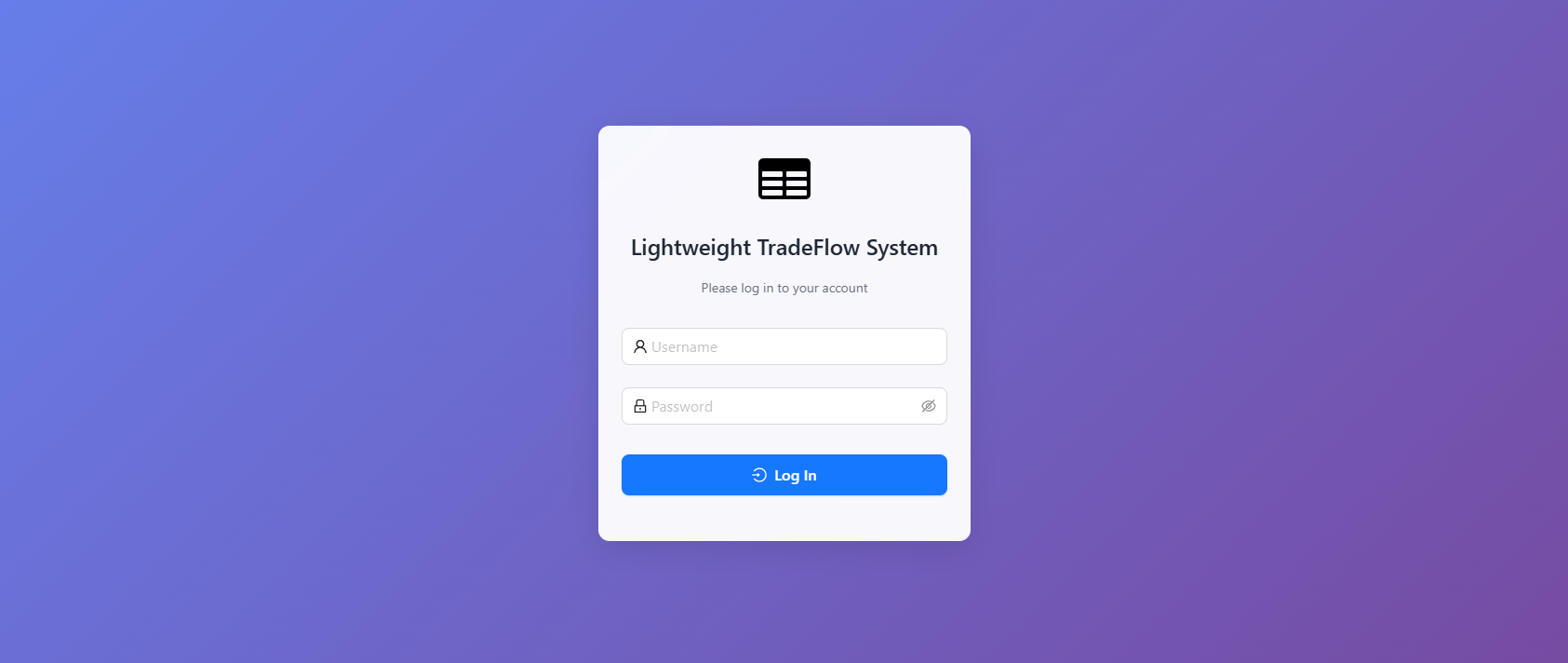
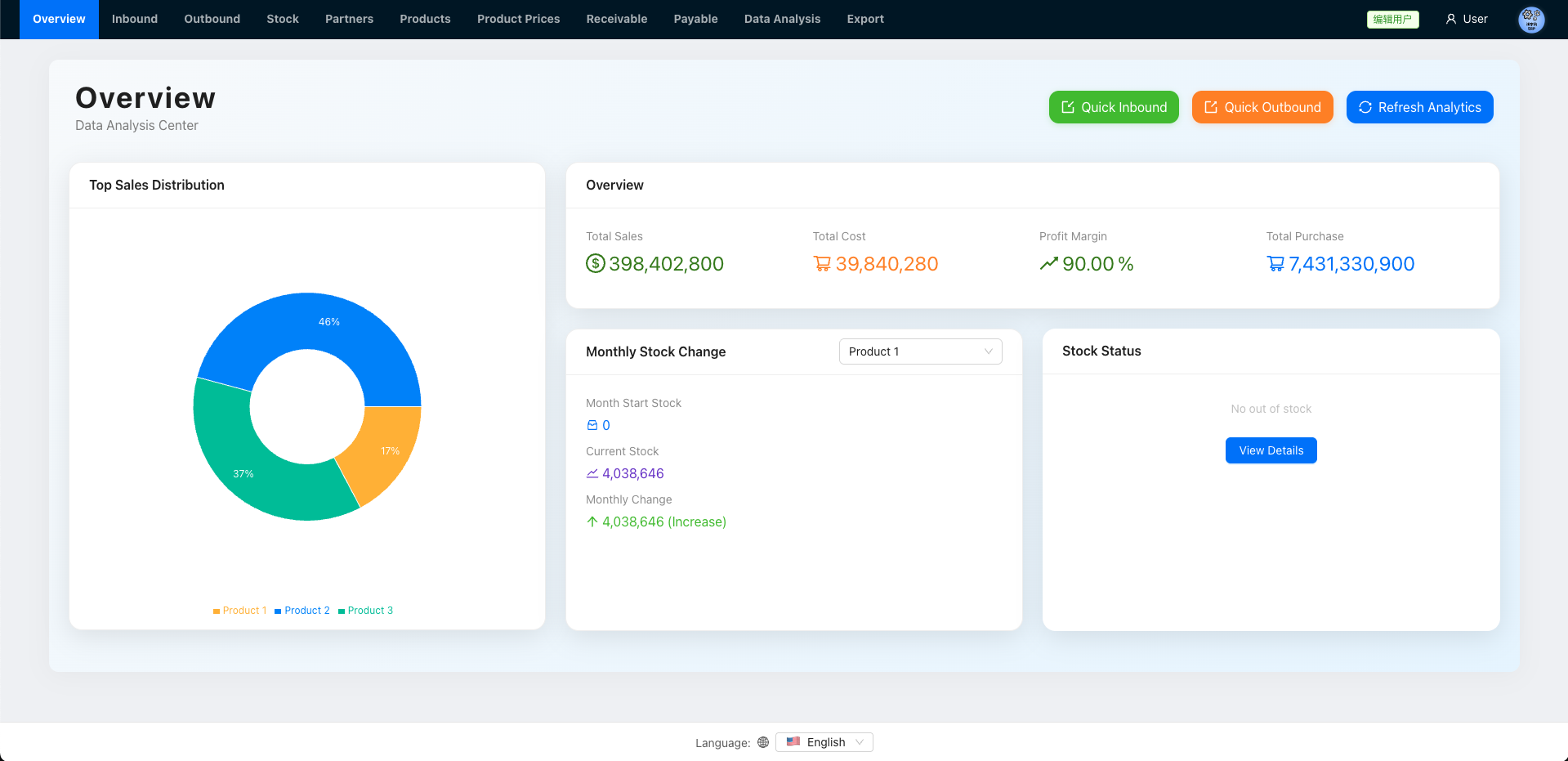
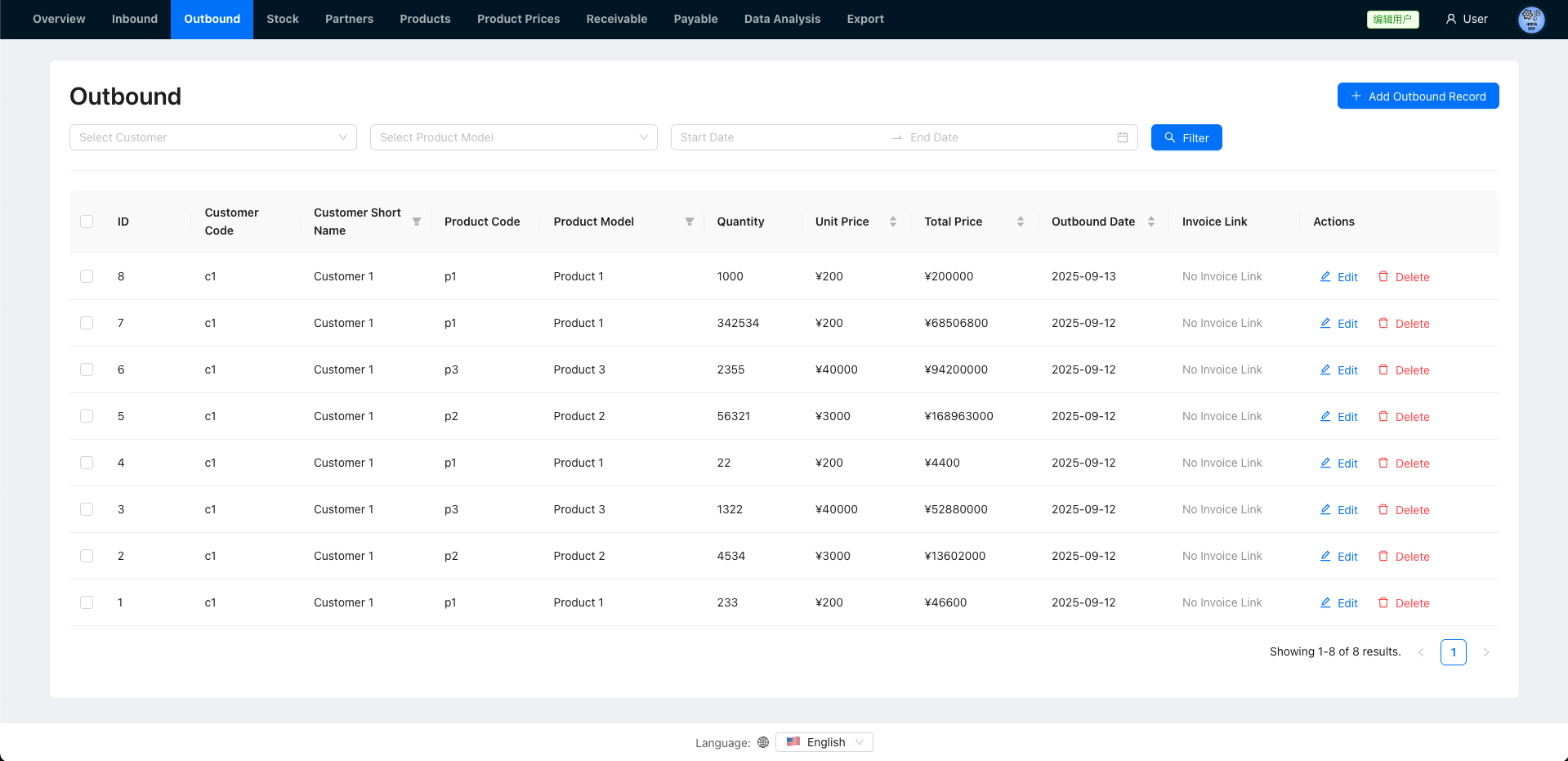
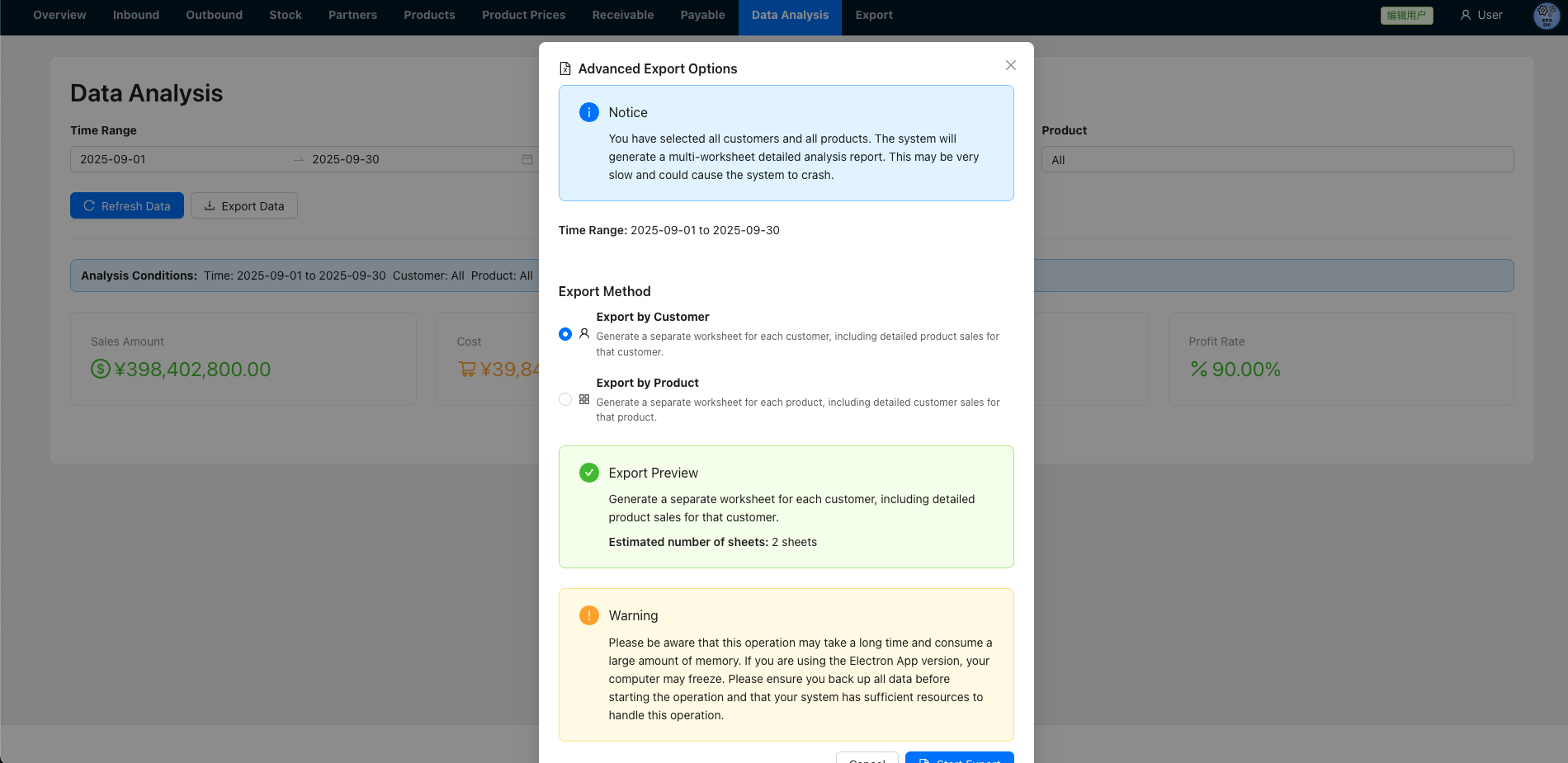
Language Support
English, Simplified Chinese, Korean
Tradeflow Core
A lightweight tradeflow system designed for small businesses, built with React.js based frontend and Node.js + SQLite/PostgreSQL based backend.
Key Features
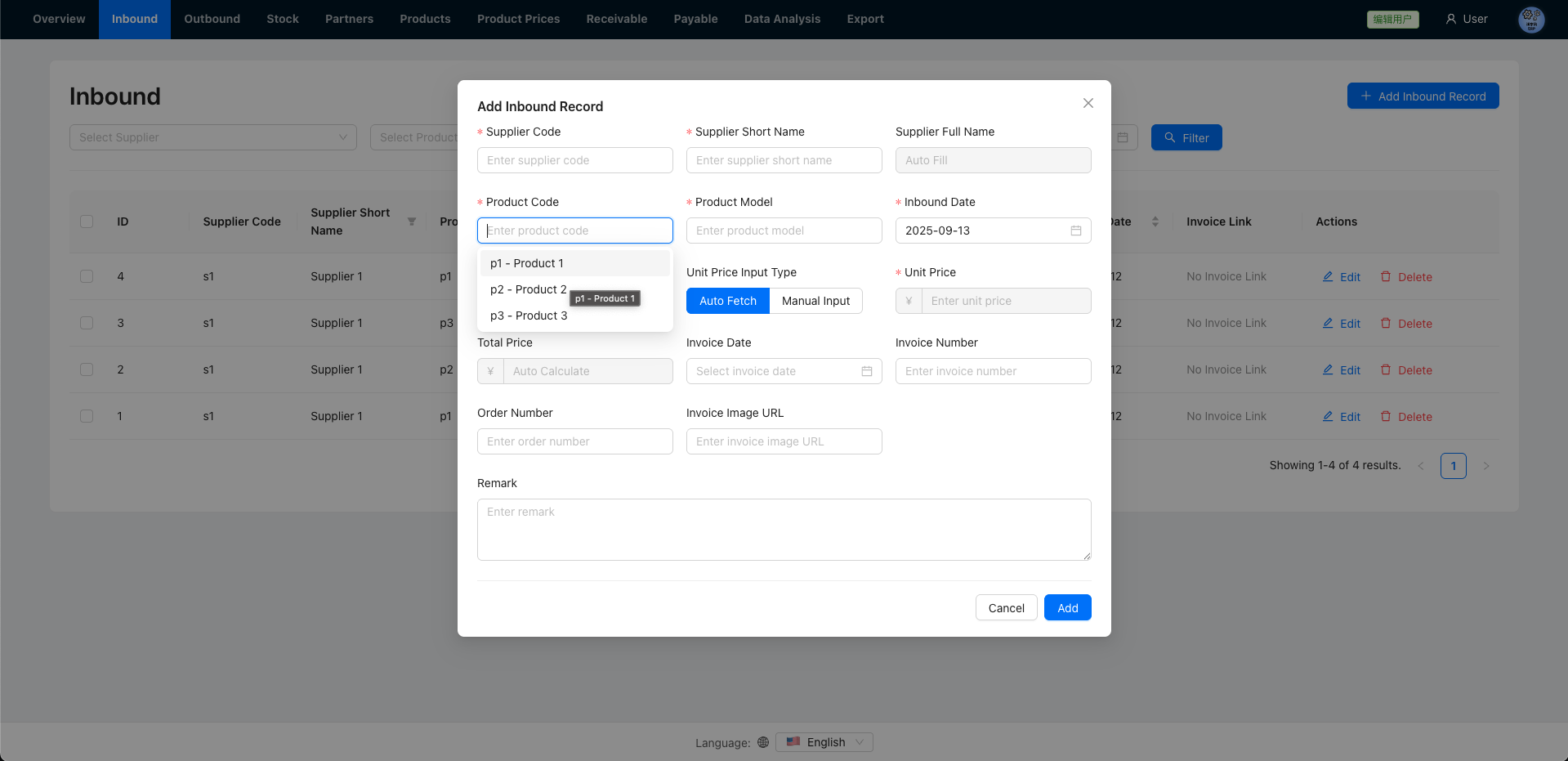
- Inventory Management: Track inventory levels, inbound and outbound operations
- Product Management: Manage product information and pricing strategies
- Financial Tracking: Monitor accounts payable and accounts receivable
- Sales Analysis: Generate reports and analyze sales data
- Multi-language Support: Supports English, Korean, and Chinese
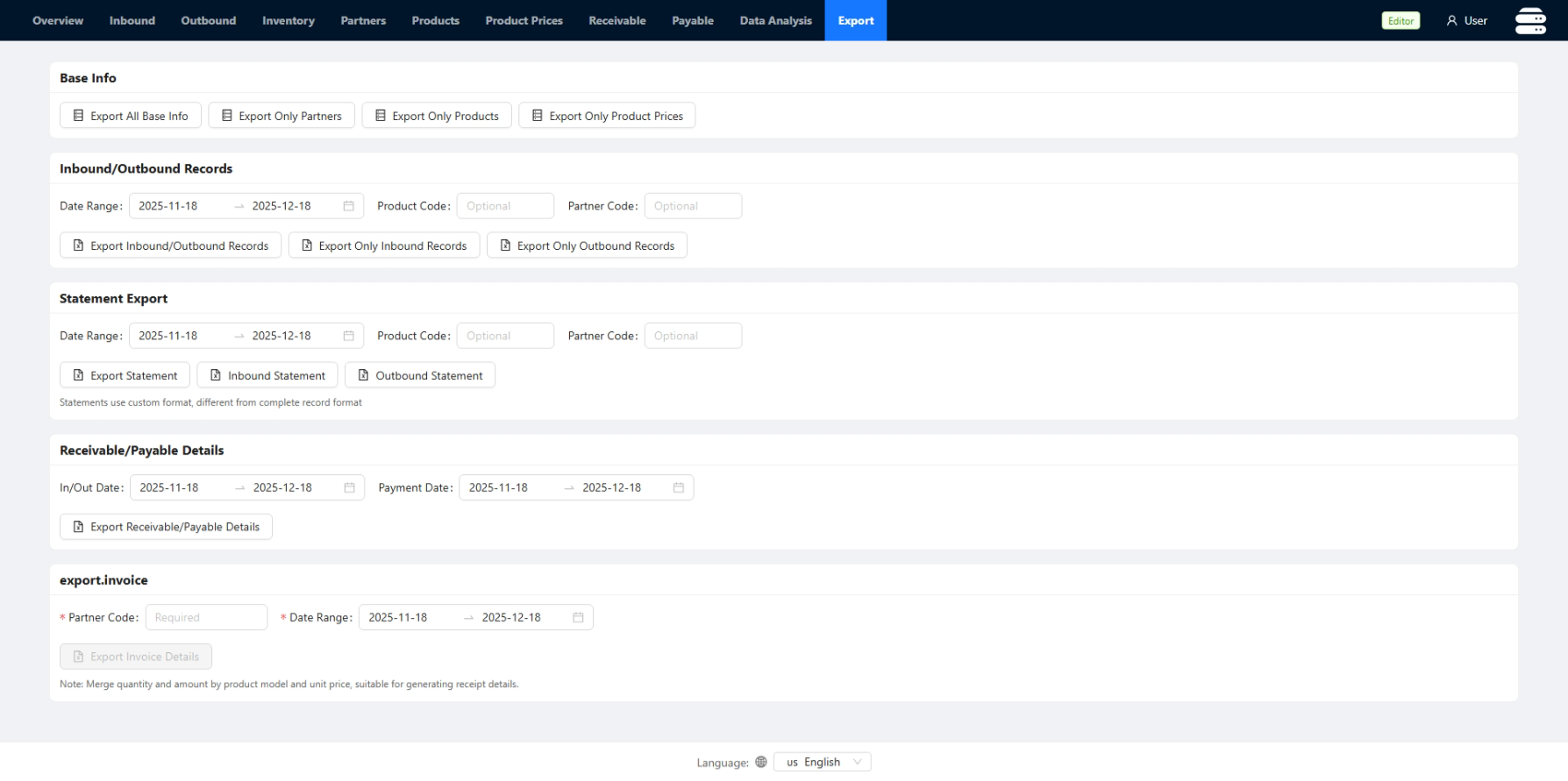
- Data Export: Supports data export in Excel format
- JWT Authentication: Stateless authentication system
- Role Based Access Control: Can assign Editor and Viewer to each user
- Multi-Database Support: Seamlessly switch between SQLite (default) and PostgreSQL for production environments
Tech Stack
- Frontend: React 19, Vite, Ant Design, TypeScript
- Backend: Node.js, Express, SQLite3 / PostgreSQL, TypeScript
- Authentication: JWT stateless authentication
- Styling: CSS3, Ant Design component library
- Logging: Winston logging system
- Precise Calculations: Decimal.js for precise numerical calculations
Backend Architecture Overview

Database Schema (Backend)
SQLite doesn’t support Date, so we use TEXT instead…
PARTNERS
| Column Name | Data Type | Key | Nullable | Default |
|---|---|---|---|---|
| code | TEXT | Unique | No | NULL |
| short_name | TEXT | PK | No | NULL |
| full_name | TEXT | No | NULL | |
| type | INTEGER | No | NULL |
PRODUCTS
| Column Name | Data Type | Key | Nullable | Default |
|---|---|---|---|---|
| code | TEXT | Unique | No | NULL |
| category | TEXT | No | NULL | |
| product_model | TEXT | No | NULL | |
| remark | TEXT | No | NULL |
PRODUCT PRICE
| Column Name | Data Type | Key | Nullable | Default |
|---|---|---|---|---|
| id | INTEGER | UNIQUE, PK | No | AI |
| partner_code | TEXT | FK | No | NULL |
| product_code | TEXT | FK | No | NULL |
| effective_date | TEXT | No | CURRENT_TIMESTAMP | |
| unit_price | REAL | No | NULL |
INBOUND RECORDS
| Column Name | Data Type | Key | Nullable | Default |
|---|---|---|---|---|
| id | INTEGER | UNIQUE, PK | No | AI |
| supplier_code | TEXT | FK | No | NULL |
| product_code | TEXT | FK | No | NULL |
| quantity | INTEGER | No | 0 | |
| unit_price | REAL | No | 0 | |
| total_price | REAL | No | 0 | |
| inbound_date | TEXT | No | CURRENT_TIMESTAMP | |
| invoice_date | TEXT | Yes | NULL | |
| invoice_number | TEXT | Yes | NULL | |
| receipt_number | TEXT | Yes | NULL | |
| order_number | TEXT | Yes | NULL | |
| remark | TEXT | Yes | NULL |
OUTBOUND RECORDS
| Column Name | Data Type | Key | Nullable | Default |
|---|---|---|---|---|
| id | INTEGER | UNIQUE, PK | No | AI |
| customer_code | TEXT | FK | No | NULL |
| product_code | TEXT | FK | No | NULL |
| quantity | INTEGER | No | 0 | |
| unit_price | REAL | No | 0 | |
| total_price | REAL | No | 0 | |
| outbound_date | TEXT | No | CURRENT_TIMESTAMP | |
| invoice_date | TEXT | Yes | NULL | |
| invoice_number | TEXT | Yes | NULL | |
| receipt_number | TEXT | Yes | NULL | |
| order_number | TEXT | Yes | NULL | |
| remark | TEXT | Yes | NULL |
INVENTORY
| Column Name | Data Type | Key | Nullable | Default |
|---|---|---|---|---|
| product_model | TEXT | PK | No | NULL |
| quantity | INTEGER | No | 0 |
INVENTORY LEDGER
| Column Name | Data Type | Key | Nullable | Default |
|---|---|---|---|---|
| id | INTEGER | UNIQUE, PK | No | AI |
| product_model | TEXT | No | NULL | |
| change_qty | INTEGER | No | NULL | |
| change_type | TEXT | No | NULL | |
| reference_id | INTEGER | Yes | NULL | |
| date | TEXT | No | NULL | |
| created_at | TIMESTAMP | No | CURRENT_TIMESTAMP |
RECEIVABLE PAYMENTS
| Column Name | Data Type | Key | Nullable | Default |
|---|---|---|---|---|
| id | INTEGER | UNIQUE, PK | No | AI |
| customer_code | TEXT | FK | No | NULL |
| amount | REAL | No | 0 | |
| pay_date | TEXT | No | CURRENT_TIMESTAMP | |
| pay_method | TEXT | Yes | NULL | |
| remark | TEXT | Yes | NULL |
PAYABLE PAYMENTS
| Column Name | Data Type | Key | Nullable | Default |
|---|---|---|---|---|
| id | INTEGER | UNIQUE, PK | No | AI |
| supplier_code | TEXT | FK | No | NULL |
| amount | REAL | No | 0 | |
| pay_date | TEXT | No | CURRENT_TIMESTAMP | |
| pay_method | TEXT | Yes | NULL | |
| remark | TEXT | Yes | NULL |
API Overview
- Base URL:
/api - Auth:
POST /api/loginreturns a JWT; includeAuthorization: Bearer <token>in subsequent requests.
Key endpoints (high level):
| Area | Method & Path | Purpose |
|---|---|---|
| Auth | POST /api/login | Exchange credentials for JWT |
| Overview | GET /api/overview/stats | Fetch dashboard metrics |
| Overview | POST /api/overview/stats | Trigger metrics recomputation |
| Products | /api/products (GET, POST, PUT, DELETE) | CRUD endpoints for product catalog |
| Partners | /api/partners (GET, POST, PUT, DELETE) | CRUD endpoints for customers/suppliers |
| Pricing | /api/product-prices (GET, POST, PUT, DELETE) | CRUD partner-specific product prices (also see /current and /auto helpers) |
| Inventory Inbound | /api/inbound (GET, POST, PUT, DELETE); POST /api/inbound/batch | Receive goods and perform batch updates |
| Inventory Outbound | /api/outbound (GET, POST, PUT, DELETE); POST /api/outbound/batch | Ship goods and perform batch updates |
| Stock | GET /api/stock | Real-time stock summary by product |
| Finance - Receivable | /api/receivable/payments (GET, POST, PUT, DELETE) | Track customer payments |
| Finance - Payable | /api/payable/payments (GET, POST, PUT, DELETE) | Track supplier payments |
| Export | GET /api/export/:type | Export configured datasets (e.g., Excel) |
Quick Start
Prerequisites
- Node.js 22+
- npm
- Docker (Optional)
Development (Without Docker)
- Clone the project:
git clone [https://github.com/lihaozhe013/tradeflow-core.git](https://github.com/lihaozhe013/tradeflow-core.git)
cd tradeflow-core
- Install dependencies:
npm run install:all
- Set up configuration:
# Copy the example configuration files
mkdir -p data
cp -r config-example/* data/
- Init:
npm run build
- Start the development servers:
# Start the dev server()
npm run dev
Data Files
The system uses JSON configuration files located in the data/ directory:
appConfig.json: Application settings and company informationexportConfig.json: Data export templates and settings